Claude Fable 5.2, Gemini 4 Hydrogen & Carbon
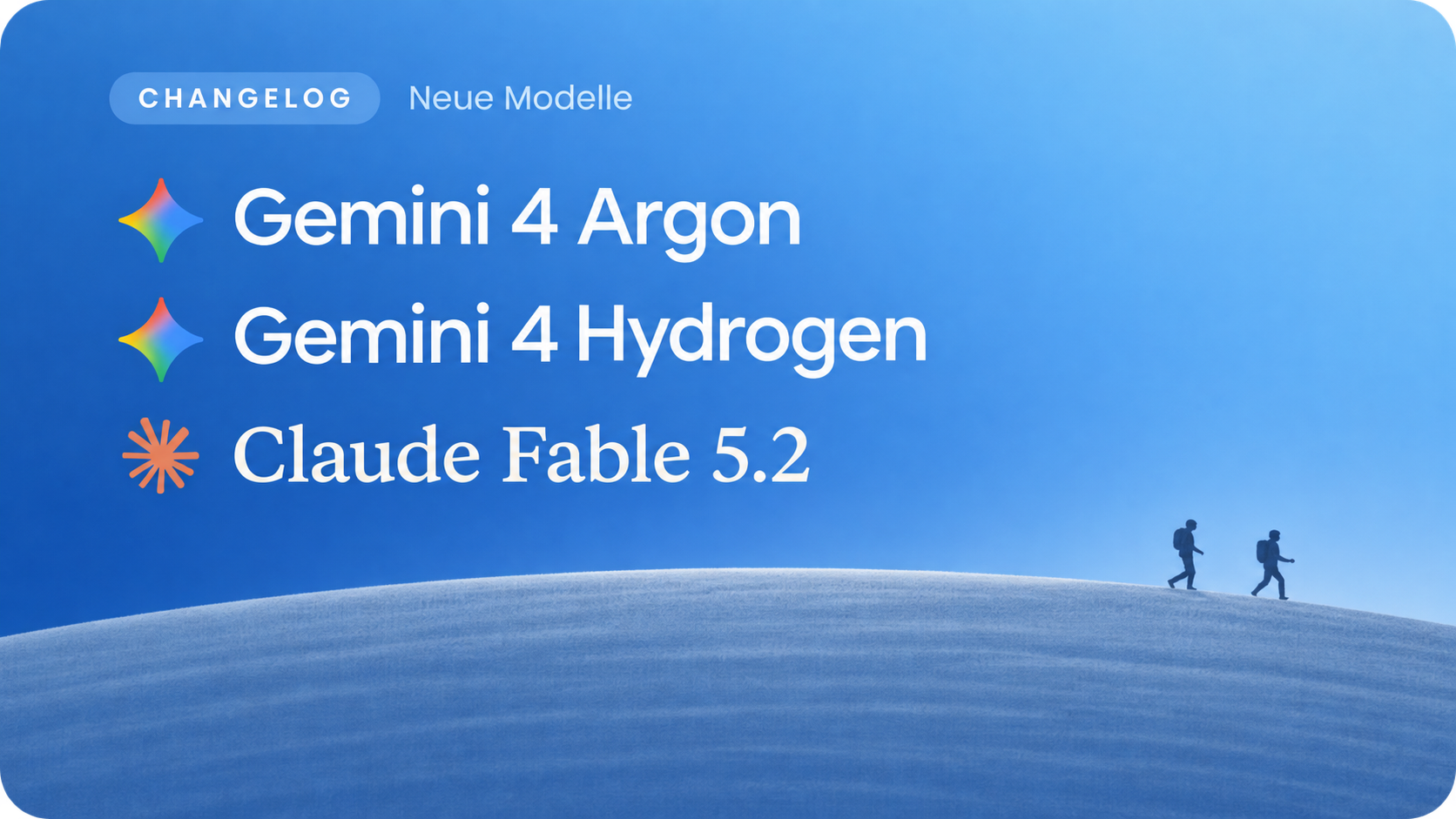
Three new language models from Anthropic and Google are now available in innoGPT. Claude Fable 5.2 is Anthropic’s most powerful model for demanding technical tasks, advanced coding, precise reasoning, and the analysis of visual data.
Gemini 4 Carbon is Google’s most powerful model to date and supports you with multi-step coding and debugging, long workflows, and scientific analyses.
With Gemini 4 Hydrogen, you also get the fast and lightweight version of the new Gemini 4 generation for day-to-day tasks.
In addition, you’ll now find the two image models GPT Image 2.6 Flare (as the new default) and Sunburst in your model selection.
The new language models are hosted in the EU and can be managed by your admin in the workspace settings. Google requires enhanced security monitoring for Gemini 4 Carbon, which is why you’ll see a prompt asking for your consent before activation.
Additional Improvements
Mobile apps for iOS and Android: On both platforms, you can now manage your scheduled tasks, move chats into projects, and use interactive OpenUI views natively within the app. On iOS, you can also drag and drop files directly into the input field, export and search through meetings, and find content using Apple Spotlight Search. On Android, you can access recent chats from the home screen and find the prompt library in Settings.
Files and Knowledge Base: The file view features a unified header bar, a page-by-page table, and a Quick Look preview. Folders under “Files” are automatically indexed as searchable knowledge, and you can open the found folder directly from the SharePoint search.
Compact Source Citations: Cited text passages are highlighted for all source types and displayed via a new source popover and a clear footer section below the answer. Result emails from scheduled tasks now also display their sources clearly.
Projects, Wizards, and Search: Wizards are organized into personal and workspace groups and open in grid view by default. The project list now features clear tabs and additional actions for pinned projects. Additionally, the global search (⌘K) now displays chats first, and the notification center clearly separates updates into two sections.
Stability and Performance: The chat follows your personal style rules from Reminders, and when editing images, reference images are preserved across multiple steps. Very long chats, large file uploads, long documents, Excel files with broken comment links, and PDF downloads from Canvas all run reliably. Additionally, the automatic meeting join feature will retry until the meeting starts if the initial attempt was rejected.