GPT-6.1 Terra now available
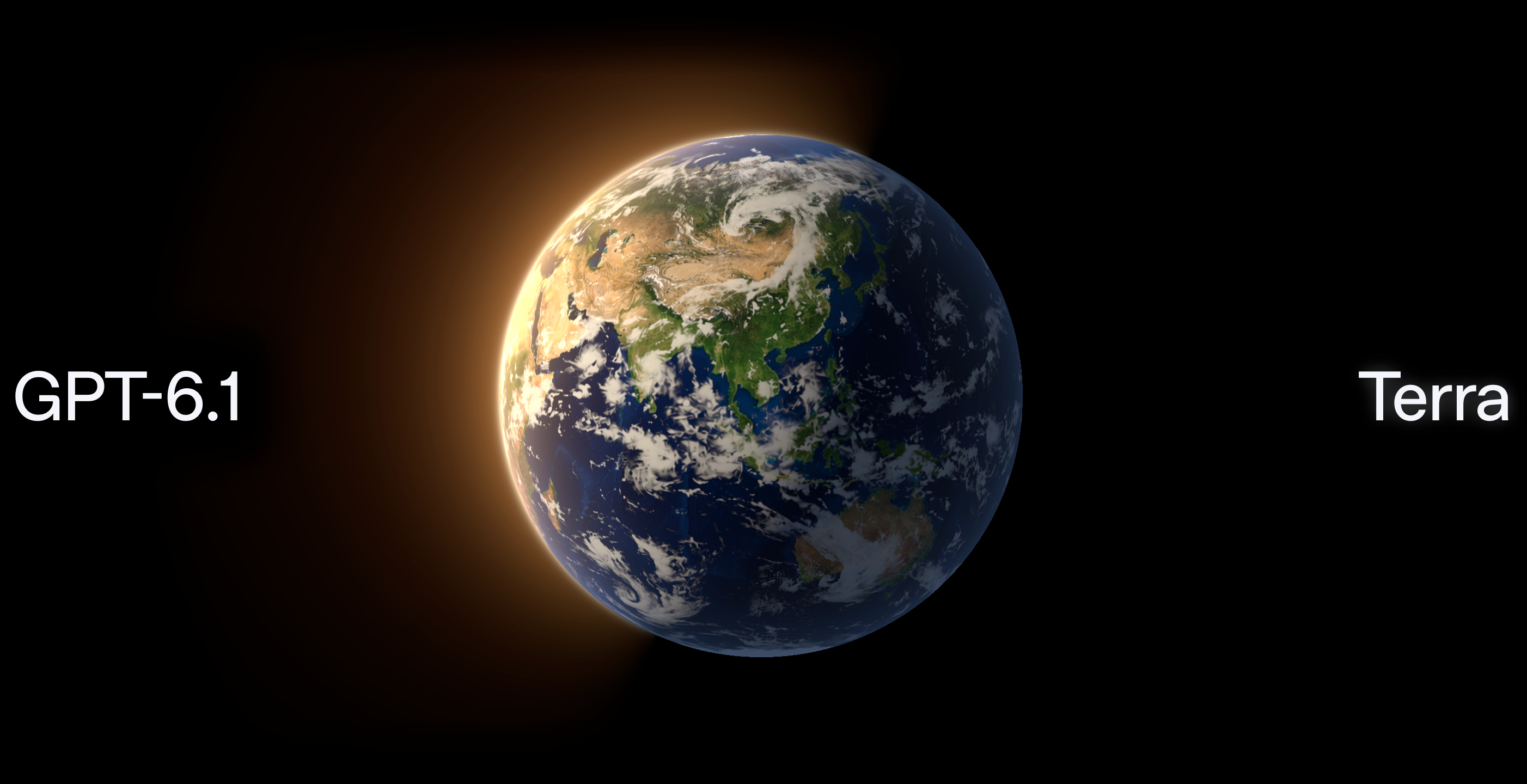
GPT-6.1 Terra is now available in innoGPT and unlocked directly in the model selector for everyone. The new OpenAI model responds three times faster than its larger sister models and excels at analyzing images, screenshots, and documents.
You can complete daily tasks like reading invoices, reviewing technical drawings, or drafting proposals in seconds while saving half the token costs compared to its predecessor. Simply select GPT-6.1 Terra at the top of the chat.
Have fun trying it out! 🙌
Further Improvements
You can now connect a local folder from your device in project chats within the desktop app, create or edit Word and Excel files directly inside it, and run Python scripts on it.
Local commands in the desktop app now run via PowerShell on Windows.
For local MCP servers in the desktop app, you can now decide for each individual tool whether it is allowed directly, asks for confirmation beforehand, or is blocked.
MCP connections remain stable across multiple messages, new tools are ready to use immediately, and searching for connections no longer times out on the first load.
When removing an MCP server, you can now see in advance exactly who will lose access.
All new teams reliably start with the official skills, and all templates for skills, assistants, workflows, and knowledge folders are available in German and English.
You can add a delegation description to assistants so the main chat routes requests directly to the right specialist assistant.
Your team home page loads faster to reduce waiting times.
Running agent tasks are marked with the status "Running" in the sidebar across all devices.
Interrupted chats resume more reliably and messages are no longer accidentally saved twice when sent.
Chats, scheduled tasks, and system notifications now consistently respond in the language you write in.
Scanned and password-protected PDFs are processed without errors, and project files no longer get stuck during upload.
The "Improve prompt" feature automatically includes attached files in its optimization.
When multiple assistants are selected, the input field shows all matching actions again, the Outlook integration responds as usual, and unknown tool calls no longer interrupt the conversation.
Unreadable output files no longer block further downloads, and scheduled tasks without results no longer send empty notifications.
Shared pages remain directly visible to logged-out visitors, and third-party sign-in in the desktop app no longer interferes with logging into innoGPT.
In meeting notes, editing no longer accidentally opens the source citation, the preview card in the image model selector stays open reliably, and loading apps no longer displays a distracting splash screen.