🇪🇺 innoGPT Standard: unlimited use, sovereign hosting
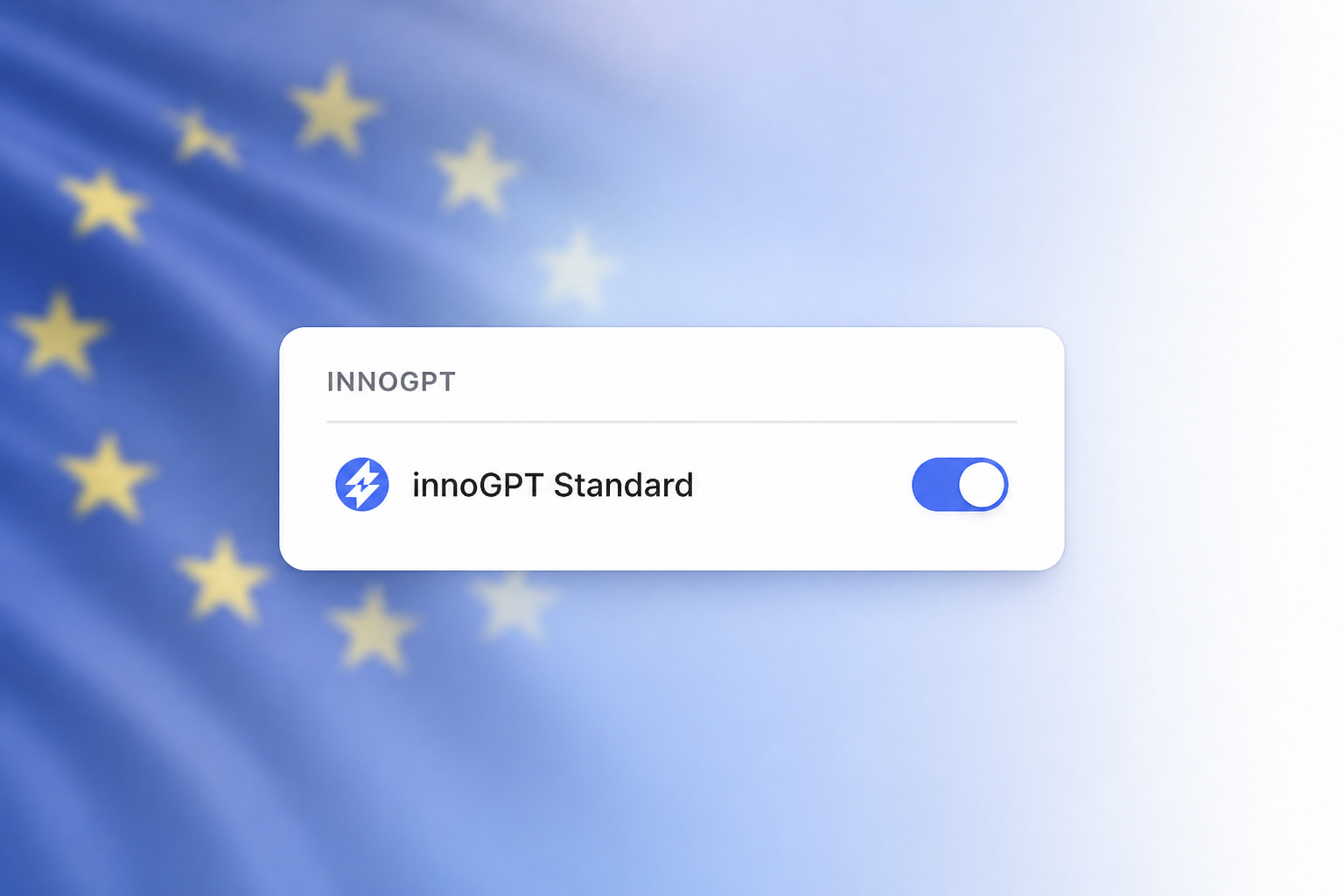
We run more and more AI models on our own sovereign infrastructure in the EU. There, your data is processed only in Europe and does not leave our area of responsibility. To support this, we are changing the model selection and the budget logic.
What exactly is changing?
New: innoGPT Standard
You can now find this model in your model picker. It does not use any premium budget, so you can use it without limits. Behind it, we flexibly route to strong open-weight models that run entirely on servers in the EU. No data goes to the original model providers.
Smart Select remains your autopilot
As long as you have premium budget left, Smart Select automatically picks the right model for each request, from a fast model for simple questions to a strong model for complex tasks. If Smart Select picks innoGPT Standard, no budget is used. If it picks another model, budget is used accordingly.
When your premium budget runs out
You keep working with innoGPT Standard without interruption. The premium models become available again as soon as your budget resets in the next billing period. For everyday tasks, you will hardly notice a difference. For very complex tasks, it is still worth planning for premium budget.
Manual selection unchanged
Claude, Gemini, GPT and all other individual models stay in the picker. If you select them manually, your premium budget is used as usual.
What does this mean for you?
For most people, nothing changes day to day. You can always see where you stand in your budget display in the settings. The new logic helps you save premium budget for complex tasks.
Important: We are rolling out the update to all teams step by step to spread the load. All teams should have it by the end of the week.
We look forward to your feedback! 🙌
More improvements:
New
Settings and the PII filter are now clearly split into tabs.
Before meetings, you can test your microphone and camera, with more reliable device detection.
Office templates are now fully available in the templates tool.
Improved
Faulty skill files are repaired automatically when you upload them.
The external API now reports tool errors more reliably.
Error messages in the chat are clearer and point you to support.
Fixed
The chat background image is no longer too bright in dark mode.
Meeting join rules work again without admin rights.
The answer bubble stays inside the message column.
MCP connections show the right message when sign-in fails.
Saved memories load reliably.
Outdated AI models have been replaced with current versions.
Downloading the original audio file from meetings works again.
Meeting transcripts no longer use the captions from Teams or Zoom.