🏷️ AI labeling for images
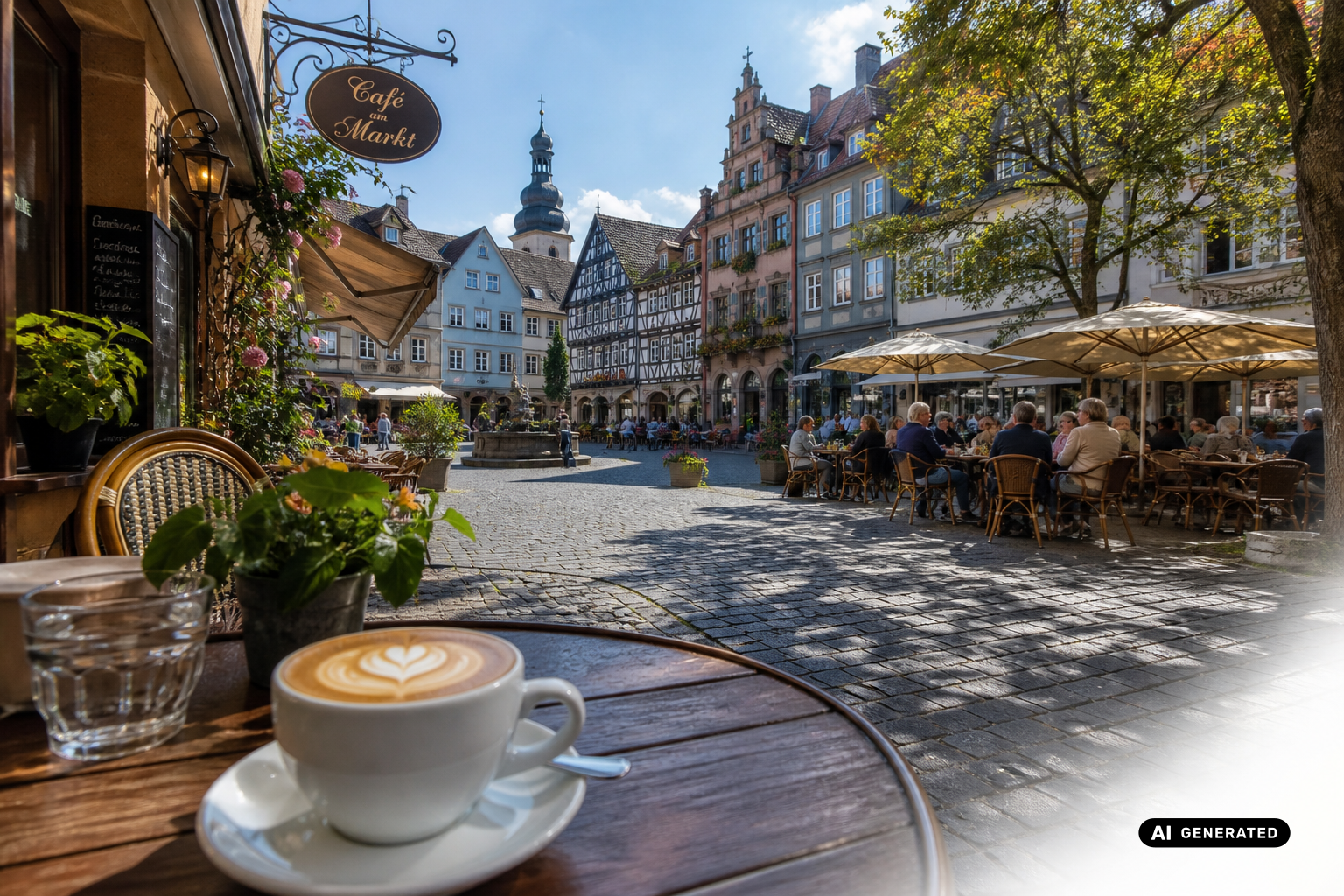
You can now add the official EU label to your AI-generated and AI-edited images.
Why AI labeling?
The AI Act sets clear rules: AI-generated content must be recognizable as such. With the new feature, you place the official EU icons for “AI-generated” or “AI-modified” directly on your images, right in your workflow, without detours through external tools. With one click, your images are properly labeled and legally safe to use for social media, publications and client projects.


How labeling applies
Labeling applies both when creating and when editing images, whether an image is newly generated or adjusted afterwards.
For every image, we automatically write the metadata in the background as well. This means the label is not only visible but also embedded technically in the image, for full traceability with no extra effort.
How it works
As an admin, you decide how labeling works in your workspace. There are three modes to choose from:
Off : the feature is turned off by default.
Always on : every AI image gets the label automatically.
User's choice : each person decides whether an image gets the label.
In “User's choice” mode, you'll find a button right in the Studio that turns labeling on or off for each image. This gives you full control without having to deal with the technical side.

Need more information about the labeling requirement?
Read our blog post on the topic: https://www.innogpt.de/blog/eu-ai-act-ki-kennzeichnungspflicht-was-unternehmen-ab-august-2026-konkret-umsetz
We'd love for you to try the new AI labeling, and we look forward to your feedback! 🙌