🚀 New AI models and many small updates
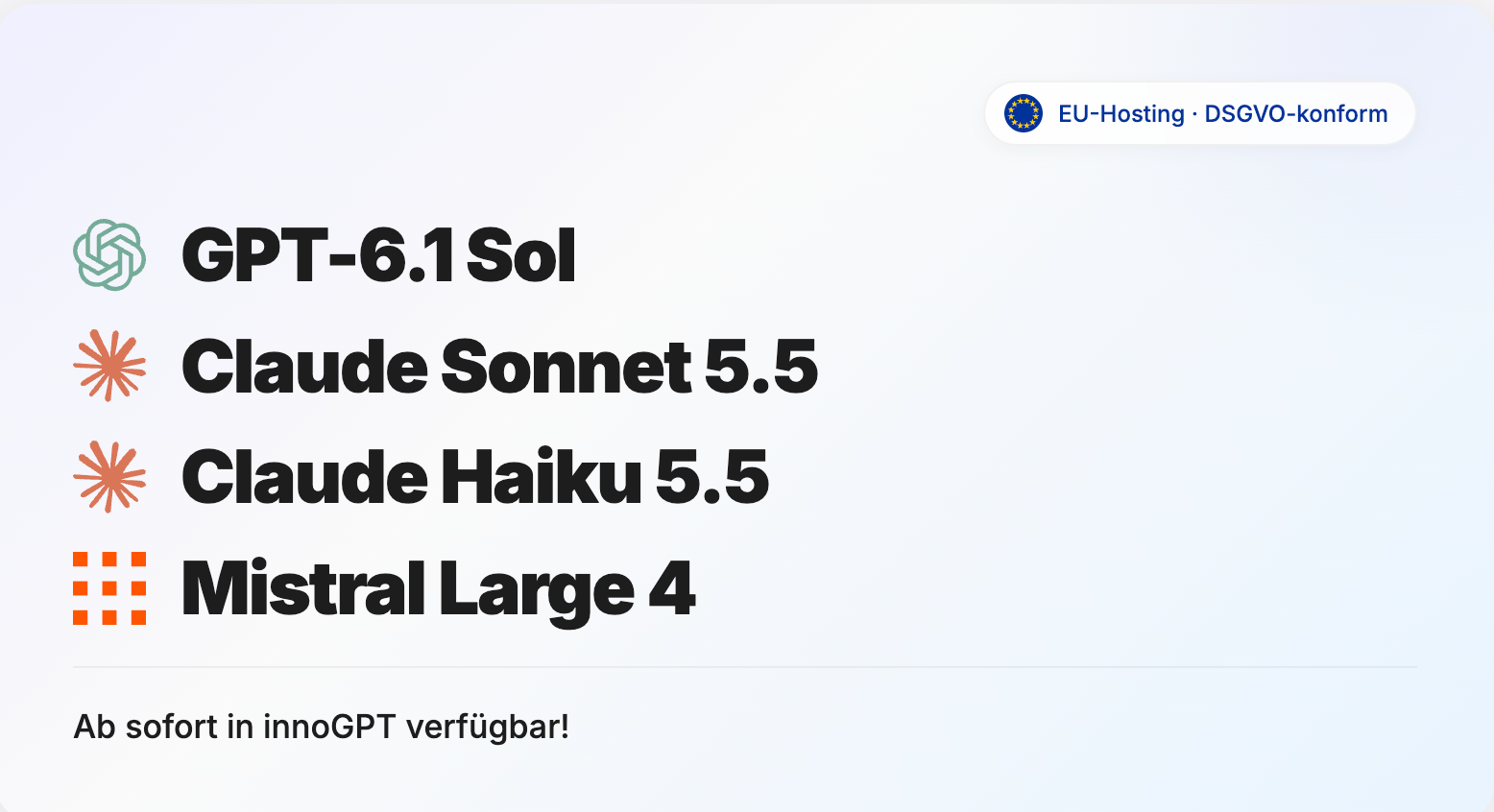
This update brings four new AI models to innoGPT. Many smaller improvements make chats, assistants, connections and scheduled tasks more reliable.
Claude Sonnet 5.5 creates texts, presentations and spreadsheets and is well suited for clearly defined programming tasks.
Claude Haiku 5.5 is especially fast and ideal for summaries, short questions and recurring tasks.
GPT-6.1 Sol supports you with complex analysis, programming and multi-step tasks.
Mistral Large 4 “Le Chonk” understands text and images and is well suited for programming as well as legal, financial and technical tasks.
New
The new model picker in the chat has a clearer design.
You can now invite members with a CSV list.
You can sync a SharePoint folder with the Library through your personal Microsoft connection.
The
⌘Ksearch in the workspace has been redesigned.MCP catalogs show their hosting region. Slack is available as a new entry.
The desktop app starts without a white flash, has an offline page and remembers your zoom level. It can hide when you close it and offers chat tabs as a preview.
You can upload documents of up to 100 MB in the chat. Large PDFs are automatically processed as text.
Shared Outlook mailboxes can be enabled for use in the chat.
Admins can limit a workspace's SharePoint access to selected sites.
Improved and fixed
Task runs no longer appear in the chat history or in search. You can still reach them through a direct link.
For automations, you choose the model with the new model picker. Smart Select is the default.
Routines always ask for your approval before they take action outside innoGPT.
Meeting summaries work with every model your workspace allows.
Deprecated models remain available until November 3, 2026.
Large OpenAPI specifications are easier to import as custom actions.
Document search works more reliably when there are timeouts.
The onboarding link takes you directly to the integration settings.
Meeting recordings on the web keep running while you navigate within the app.
After you go back in the browser, chats show the current turn again, and they get their own URL once saved.
Long chats and voice chats run more stably.
Image generation in the chat works more reliably.
Public chats show access prompts inside the chat frame.
The model picker stays clear and shows notices about deprecated models in full.
Document skills no longer show technical intermediate folders in your files.
Tools, agents and sub-assistants carry out tasks as described more reliably.
Connector tools correctly use UTC again when details are missing.
Search in knowledge sources understands questions in natural language better.
Temporary chats do not access memories and do not save new ones.
Paused tasks and workflows reliably stay stopped.
The microphone now works better in the Windows desktop app.
Project sharing and connections are saved more reliably.
Older generated images can be downloaded and edited again.
Enjoy the new models and improvements! 🙌